Efficient project management is crucial for success in today’s fast-paced business environment. This guide explores three popular project management tools – Trello, Asana, and Monday.com – comparing their features and highlighting their strengths for various project types. We’ll delve into optimizing workflows, leveraging Kanban boards, and implementing effective communication strategies to enhance team collaboration and achieve project goals. Understanding risk management and Agile methodologies will further refine your project management capabilities.
Through detailed comparisons, practical examples, and step-by-step guides, you will gain the knowledge and tools necessary to select and effectively utilize the best platform for your specific needs. We aim to equip you with the strategies to navigate complex projects with increased efficiency and reduced stress.
Project Management Tool Comparison

Choosing the right project management tool can significantly impact a team’s efficiency and overall project success. This section compares three popular platforms – Trello, Asana, and Monday.com – highlighting their strengths and weaknesses to help you make an informed decision. We’ll examine their features, pricing, and suitability for different project types.
Trello, Asana, and Monday.com Feature Comparison
The following table summarizes key features of Trello, Asana, and Monday.com, allowing for a direct comparison across pricing, user interface, collaboration capabilities, and task management functionality. Pricing models can change, so it’s always advisable to check the respective websites for the most up-to-date information.
| Feature | Trello | Asana | Monday.com |
|---|---|---|---|
| Pricing | Free plan available; paid plans offer increased features and storage. | Free plan available with limitations; paid plans offer more users, features, and advanced functionalities. | Free plan available with limitations; paid plans offer more users, features, and advanced functionalities, including integrations and automation. |
| User Interface | Kanban board-based; visually appealing and intuitive, particularly for beginners. | List-based and Kanban views available; offers a more structured approach than Trello. | Highly customizable; offers various views (Kanban, calendar, timeline) and allows for extensive visual customization. |
| Collaboration Features | Basic collaboration features; comment sections, mentions, and due dates. | Robust collaboration features; includes task assignments, due dates, progress tracking, and communication tools. | Extensive collaboration features; includes task assignments, due dates, progress tracking, communication tools, and advanced automation options. |
| Task Management | Simple task management; uses cards to represent tasks, with basic due dates and checklists. | Advanced task management; includes subtasks, dependencies, custom fields, and progress tracking. | Highly customizable task management; offers subtasks, dependencies, custom fields, automation, and detailed progress tracking. |
Strengths and Weaknesses for Different Project Types
Each platform excels in different areas and is better suited for specific project types.
Trello’s visual simplicity and ease of use make it ideal for smaller projects with fewer dependencies, such as personal task management or simple team projects. However, its limited features can be a drawback for larger, more complex projects. For instance, managing a large software development project with intricate dependencies would be challenging in Trello.
Asana’s structured approach and advanced features make it suitable for larger projects with multiple teams and dependencies, such as marketing campaigns or software development projects. However, its interface can feel overwhelming to new users. For a small event planning team, Asana’s advanced features might be unnecessary overhead.
Monday.com’s highly customizable nature and advanced features make it a versatile choice for various project types, from software development to event planning. Its flexibility allows teams to tailor the platform to their specific needs. However, the extensive customization options can lead to a steeper learning curve.
Sample Project Workflows
Let’s Artikel a simple project workflow for each platform, focusing on task creation, assignment, and tracking.
Trello Workflow Example: Managing a Content Calendar
A content calendar could be managed by creating a Trello board with lists representing stages of content creation (e.g., “Idea Generation,” “Writing,” “Editing,” “Publishing”). Each card represents a blog post or social media update, with assigned members and due dates. Progress is tracked by moving cards between lists.
Asana Workflow Example: Managing a Marketing Campaign
A marketing campaign could be managed by creating projects with sections for different campaign elements (e.g., “Social Media,” “Email Marketing,” “Website Updates”). Tasks within each section are assigned to team members with subtasks, dependencies, and due dates. Progress is tracked using Asana’s built-in progress tracking features.
Monday.com Workflow Example: Managing Software Development Sprints
A software development sprint could be managed by creating a board with columns representing different stages of development (e.g., “To Do,” “In Progress,” “Testing,” “Done”). Each card represents a user story or task, with assigned developers, due dates, and progress updates. Monday.com’s automation features can be used to automate status updates and notifications.
Optimizing Workflow Efficiency with Project Management Tools

Project management tools are invaluable for streamlining workflows and boosting team productivity. By centralizing communication, tasks, and progress tracking, these tools eliminate the chaos often associated with complex projects, fostering better collaboration and ultimately, successful project delivery. This section will explore how to effectively implement a project management tool, focusing on best practices for Kanban board usage and strategies for enhancing team communication and collaboration. We will use Trello as our example tool due to its intuitive interface and widespread adoption.
Implementing Trello in a Team Environment
Implementing Trello effectively requires a structured approach. Begin by creating a board for each project. This board serves as a central hub for all project-related information. Within the board, create lists representing different stages of your workflow, such as “To Do,” “In Progress,” and “Done.” Each card on the board represents a specific task. Assign team members to tasks, set due dates, and add relevant details such as descriptions, attachments, and checklists. Trello’s interface is visually straightforward. The main screen shows the project board with lists arranged horizontally. Each list contains cards, which can be moved between lists to reflect progress. The cards themselves can contain details like checklists, due dates, comments, and attached files. A member’s assigned tasks can be seen on their personal Trello dashboard, providing a clear overview of their responsibilities.
Best Practices for Kanban Board Usage
Kanban boards, a core feature of Trello, offer a visual representation of workflow progress. Effective Kanban board usage requires adhering to certain best practices. Limit Work in Progress (WIP) to prevent bottlenecks and ensure focus. Clearly define the stages of your workflow and ensure they are appropriately represented in your board’s lists. Regularly review and update the board to maintain an accurate reflection of project status. Use color-coding or labels to categorize tasks and improve visual organization. Utilize Trello’s power-ups, such as calendar views, to gain additional insights into project timelines and deadlines.
- Clear List Definitions: Use concise and easily understandable list names representing workflow stages (e.g., “Backlog,” “To Do,” “In Progress,” “Testing,” “Done”).
- Limited Work in Progress (WIP): Set a limit on the number of cards allowed in each list to prevent multitasking overload and improve focus.
- Visual Cues: Employ color-coded labels, due date indicators, and member assignments to improve task visibility and organization.
- Regular Board Reviews: Schedule regular team meetings to review the Kanban board, discuss progress, identify roadblocks, and adjust workflow as needed.
- Continuous Improvement: Regularly analyze the board’s performance and identify areas for improvement in workflow efficiency.
Strategies for Effective Team Communication and Collaboration in Trello
Trello offers several features to foster effective communication and collaboration. The commenting feature on each card allows for direct discussion of specific tasks. The “due date” functionality ensures timely task completion and prompts timely communication regarding potential delays. Mentioning team members in comments ensures that relevant individuals are notified and can participate in the discussion. Trello’s integration with other tools, such as Slack, further enhances communication. Using checklists within cards promotes a sense of accomplishment and facilitates progress tracking. Utilizing labels to categorize tasks, for example by priority or type, helps in quickly identifying and prioritizing important tasks. Team members can use the board to view each other’s progress and proactively offer assistance.
Advanced Project Management Techniques for Enhanced Success
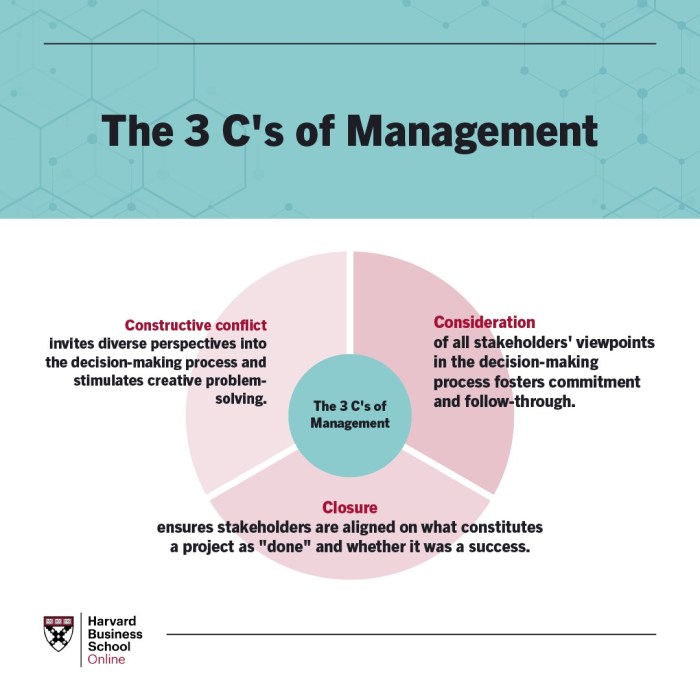
Effective project management hinges not only on utilizing the right tools but also on employing sophisticated techniques that anticipate and address potential challenges proactively. This section delves into advanced strategies for enhanced project success, focusing on risk management and the application of Agile methodologies. By understanding and implementing these techniques, project managers can significantly improve their chances of delivering projects on time, within budget, and to the required quality standards.
Risk Management in Project Planning and Execution
Risk management is a critical component of successful project planning and execution. It involves identifying, analyzing, and responding to potential events that could negatively impact the project’s objectives. Ignoring risks can lead to delays, cost overruns, and ultimately, project failure. A proactive approach to risk management allows for the development of mitigation strategies, reducing the likelihood and impact of unforeseen problems. For example, a software development project might face risks such as unexpected technical challenges, delays in acquiring necessary resources, or changes in client requirements. Mitigation strategies could include thorough upfront planning, building in contingency time, and establishing clear communication channels with the client.
Project Risk Assessment Matrix
A project risk assessment matrix provides a structured approach to identifying, analyzing, and responding to potential risks. This matrix typically involves identifying potential risks, assessing their likelihood of occurrence, determining their potential impact, and outlining mitigation strategies.
| Risk | Likelihood (Low, Medium, High) | Impact (Low, Medium, High) | Mitigation Strategy |
|---|---|---|---|
| Unexpected technical difficulties | Medium | High | Engage experienced technical consultants; allocate extra time for troubleshooting; develop robust testing procedures. |
| Supplier delays | Medium | Medium | Identify multiple suppliers; establish clear delivery timelines and penalties for late delivery; maintain sufficient buffer stock. |
| Changes in client requirements | High | High | Establish a formal change management process; maintain frequent communication with the client; incorporate flexibility into the project plan. |
| Team member illness or resignation | Low | Medium | Cross-train team members; develop a clear succession plan; have a readily available pool of qualified substitutes. |
Agile Methodologies in Project Management
Agile methodologies, such as Scrum and Kanban, are iterative approaches to project management that emphasize flexibility, collaboration, and continuous improvement. These methodologies are particularly well-suited for projects with evolving requirements or those operating in dynamic environments. Scrum, for instance, uses short development cycles (sprints) to deliver incremental value, allowing for frequent feedback and adaptation. Kanban focuses on visualizing workflow and limiting work in progress to improve efficiency and reduce bottlenecks. The adoption of Agile methodologies allows for greater responsiveness to change, reducing the impact of unexpected events and improving overall project success rates. For example, a marketing campaign might utilize Scrum to develop and test different ad creatives in short sprints, allowing for quick adjustments based on performance data. A software development team might use Kanban to manage their backlog and ensure that the most important tasks are prioritized and completed efficiently. The flexibility inherent in these methodologies is crucial in today’s rapidly changing business landscape.
Last Word
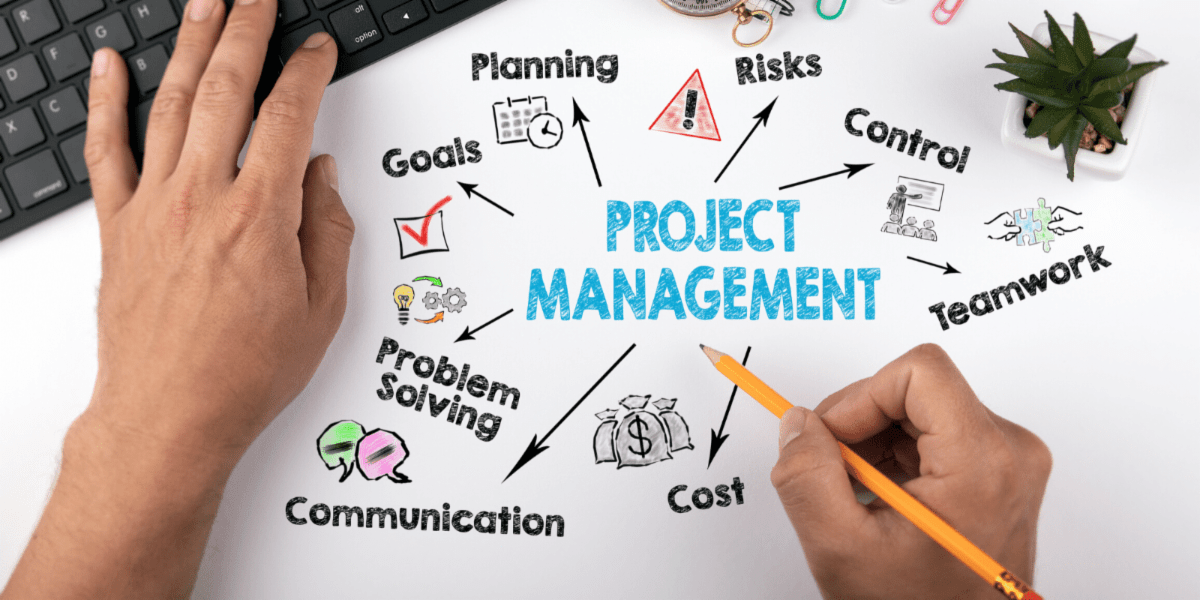
By understanding the nuances of Trello, Asana, and Monday.com, and by incorporating best practices for workflow optimization, risk management, and Agile methodologies, you can significantly enhance your project management skills. This guide provides a solid foundation for choosing the right tool and implementing strategies that lead to successful project completion, improved team collaboration, and ultimately, greater organizational success. Remember, the key to successful project management lies not just in the tools you use, but in how effectively you utilize them within a well-defined and adaptable framework.